我的商店
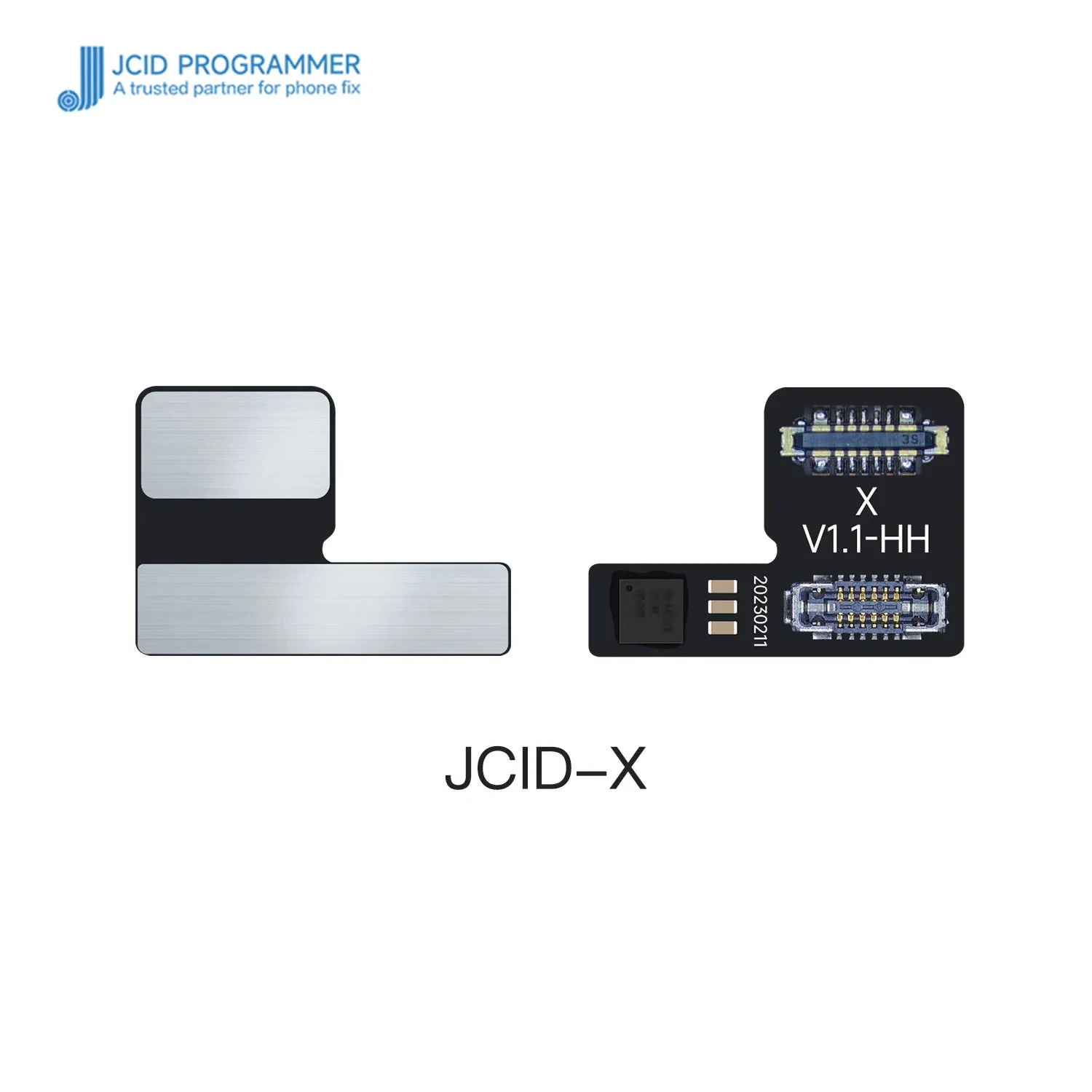
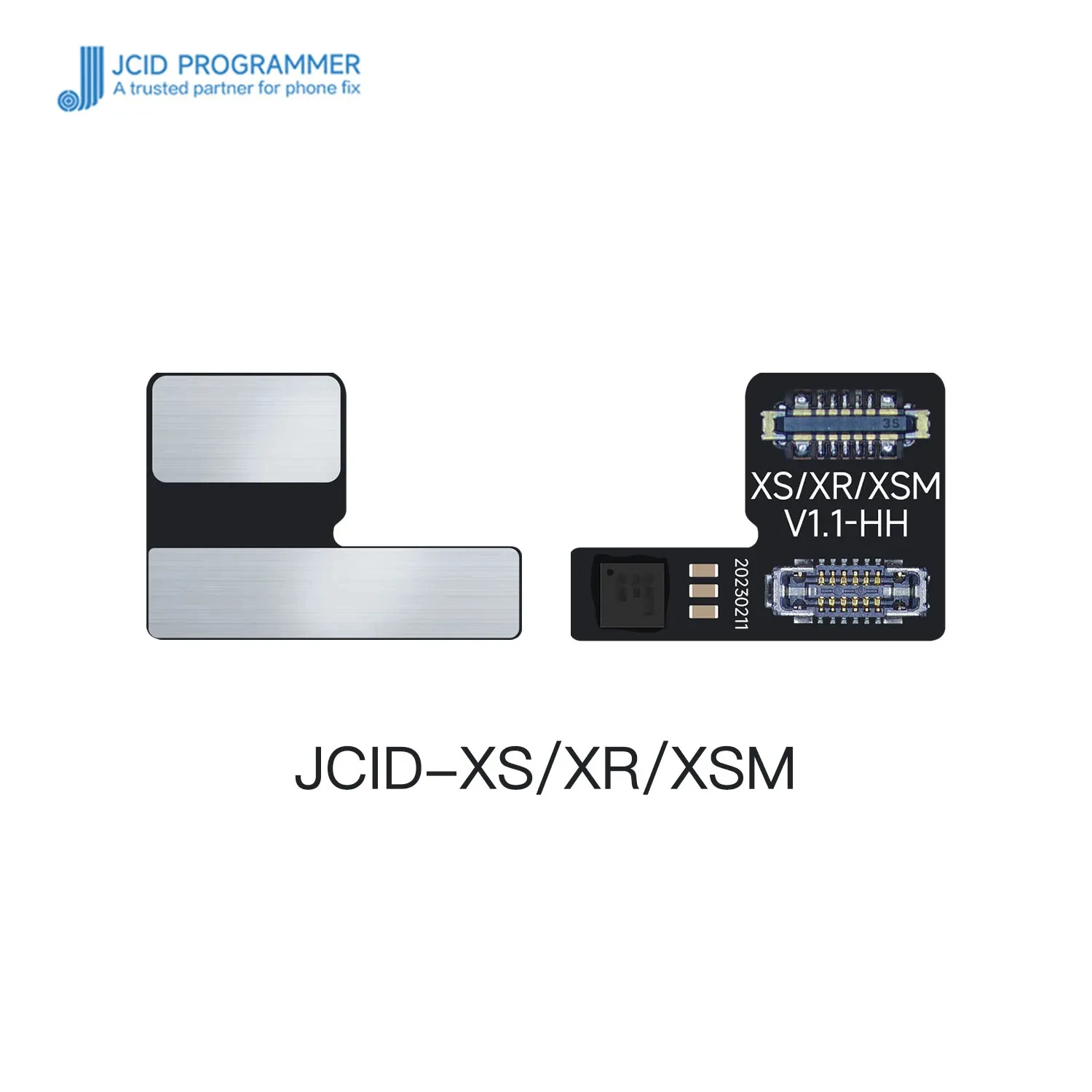
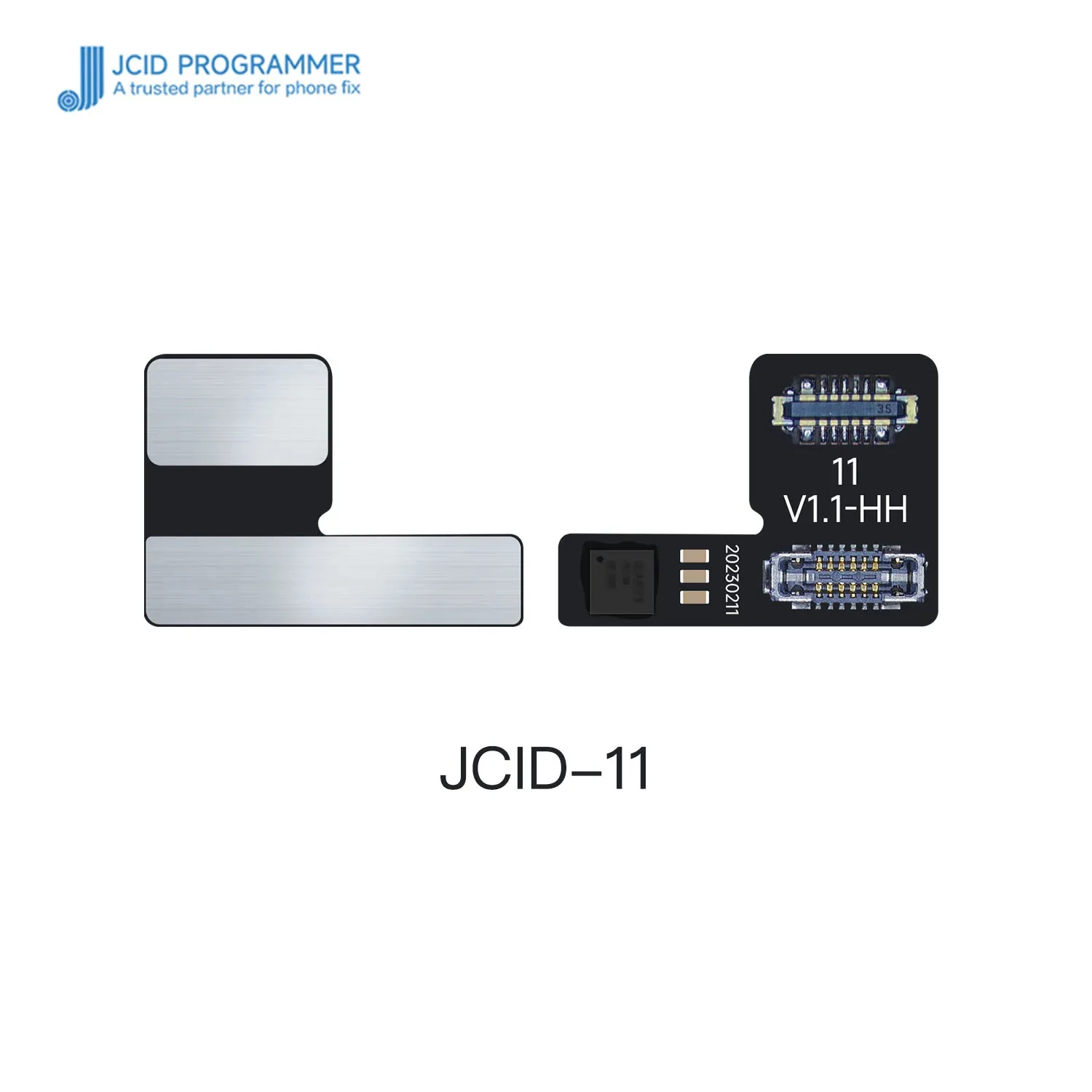
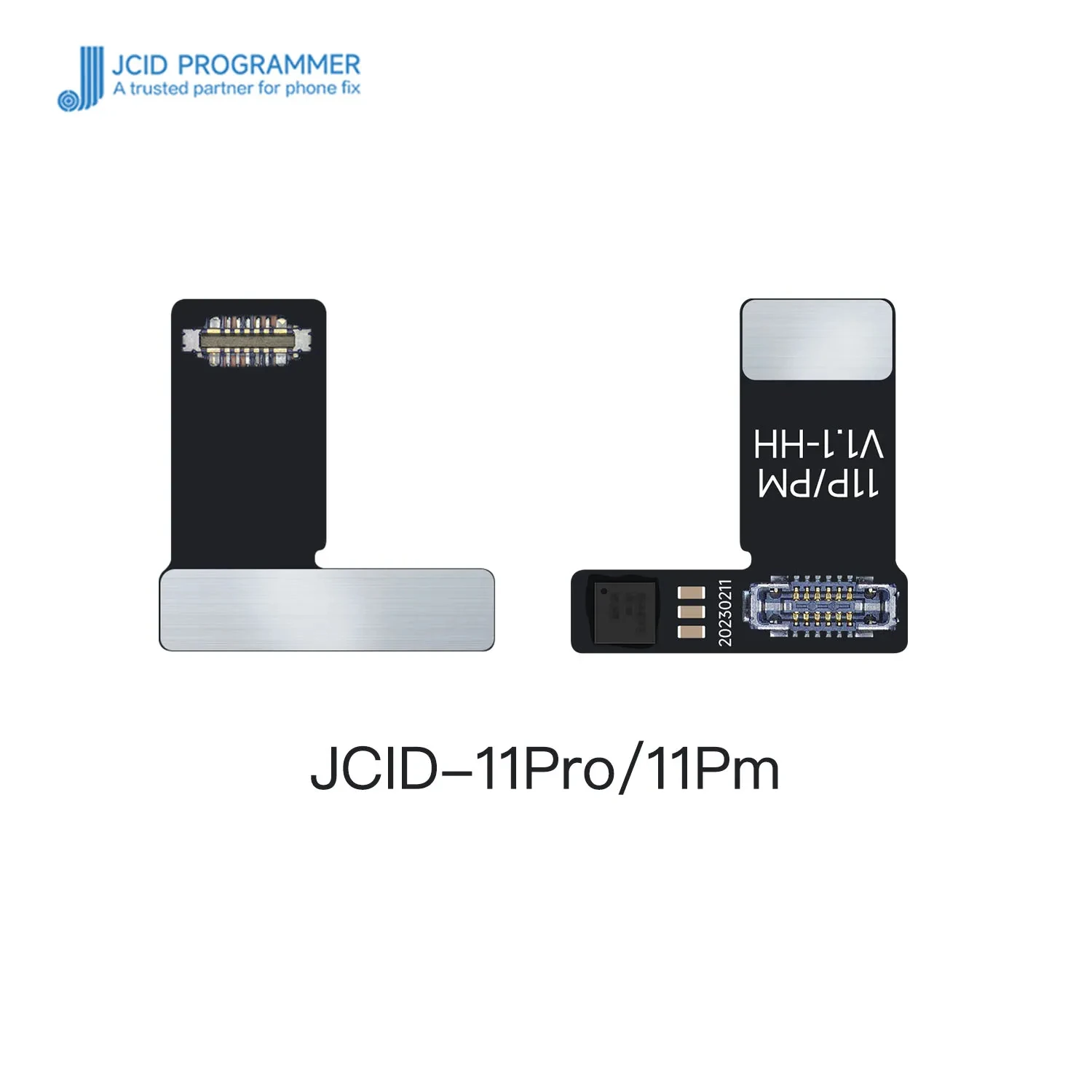
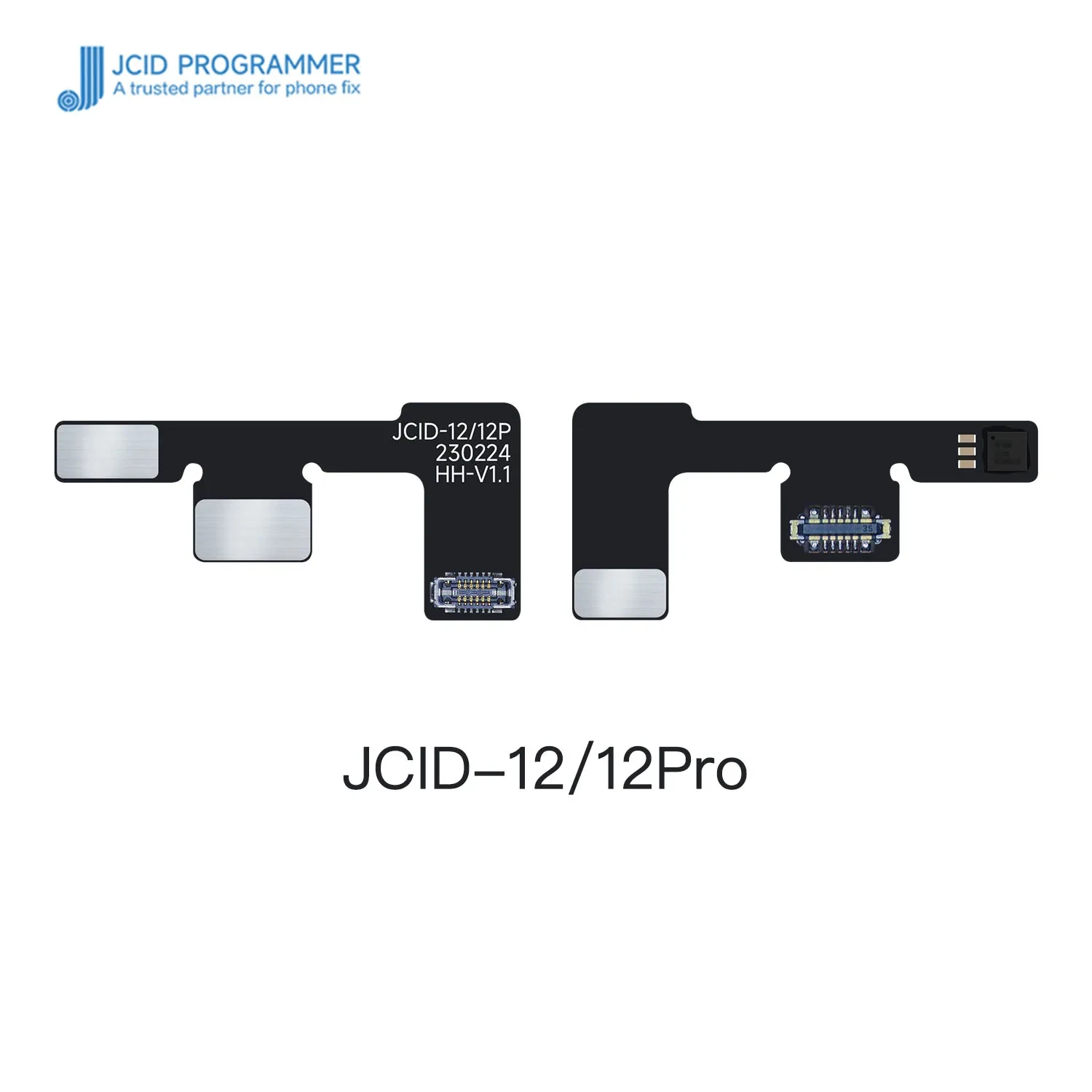
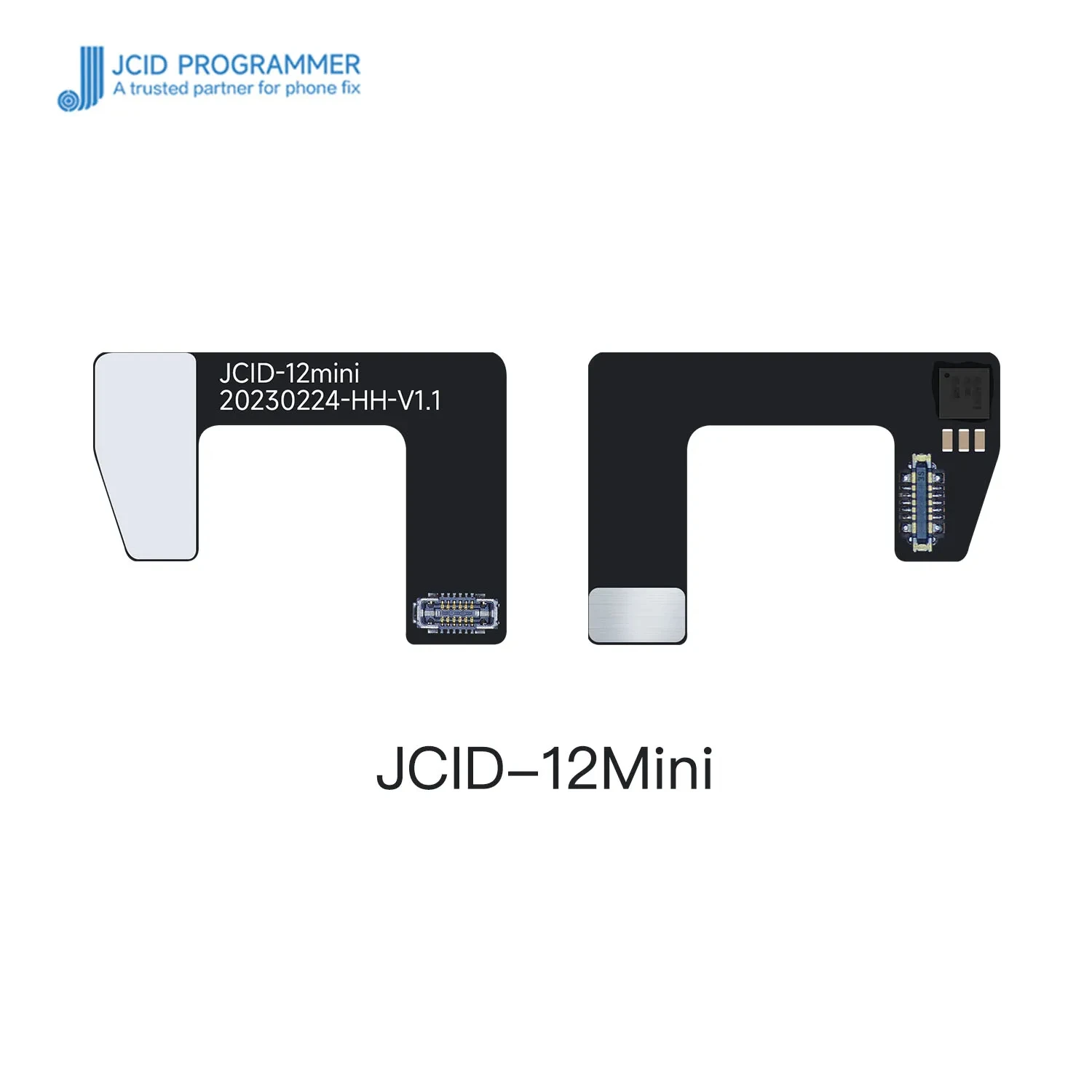
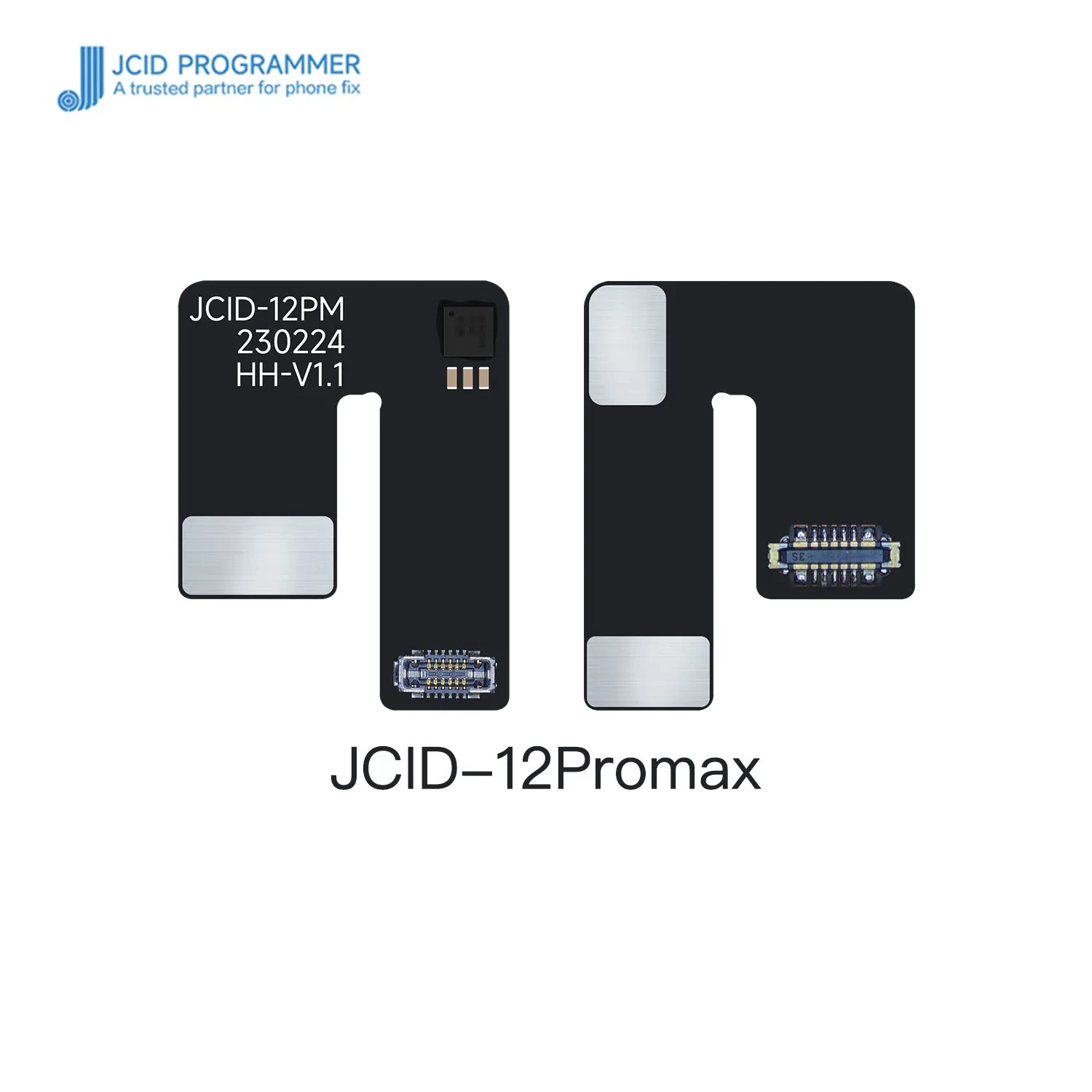
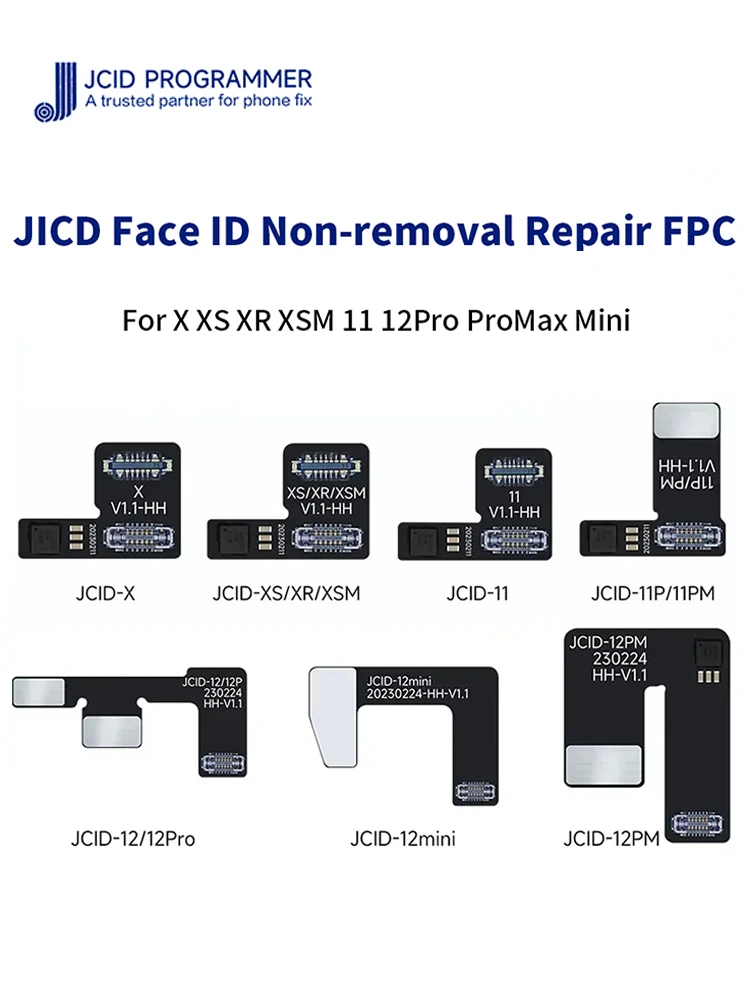
JCID Non-removal Face ID Repair FPC flex cable for iPhone X-12PM Face ID issues without soldering face id DOT-Projector fix tool
JCID Non-removal Face ID Repair FPC flex cable for iPhone X-12PM Face ID issues without soldering face id DOT-Projector fix tool
Couldn't load pickup availability
SPECIFICATIONS
Applicable models: iPhone
Application: Computer Tool Kit
Brand: JCID
Brand Name: NoEnName_Null
Choice: yes
DIY Supplies: Electrical
Features 1: JCID solder-free dot matrix flex cable
Features 2: JCID New Face ID Cable FPC without soldering. No Disassembly
Features 3: used with JCID V1S/V1SE/V1S PRO
High-concerned chemical: none
Material: Plastic
Origin: Mainland China
Package: Bag
Product Name: Non-removal Face ID Repair FPC flex cable
Scope of application: For X XS XR XSMAX 11 12Pro Mini ProMax
Type: Combination
is_customized: No
Note:
1,
New JCID Face ID non-removal FPC flex cable needs to use the new JCID.
2, JCID newly Face ID repair FPC flex cables can be used with JCID V1SE/V1S PRO.
New JCID
Non-removal Face ID Repair FPC flex cable Fixes iPhone X-12 PRO MAX Face
ID issues without soldering. JCID solder-free dot matrix flex cable
used with JCID V1SE/V1S Pro for iPhone Face ID repair. JCID iPhone
Features:
1. Repair iPhone X-12 Pro Max Face ID without soldering and alignment.
2. For iPhone X-12 Pro MAX Face ID repair, no dismantling of optical components, no alignment, no welding.
3. New JCID dot
projector Face ID repair flex cables for iPhone X/XS/XS MAX/XR/11/11
Pro/11 Pro Max/12/12 Pro/12 mini/12 Pro Max.
4. JCID newly Face ID repair FPC flex cables can be used with JCID V1SE/V1S PRO.
5. JCID new iPhone X-14 Pro Max Dot Matrix Face ID activation read write board.
Instructions:
1. Read the original iPhone Face ID data with JCID V1SE/V1S Pro and write it into the non-removal Face ID repair flex cable.
2. Activate the original Face ID module with V1SE/V1S PRO.
3. Connect the non-removal Face ID repair flex cable and install.