
Back to collection





Overview
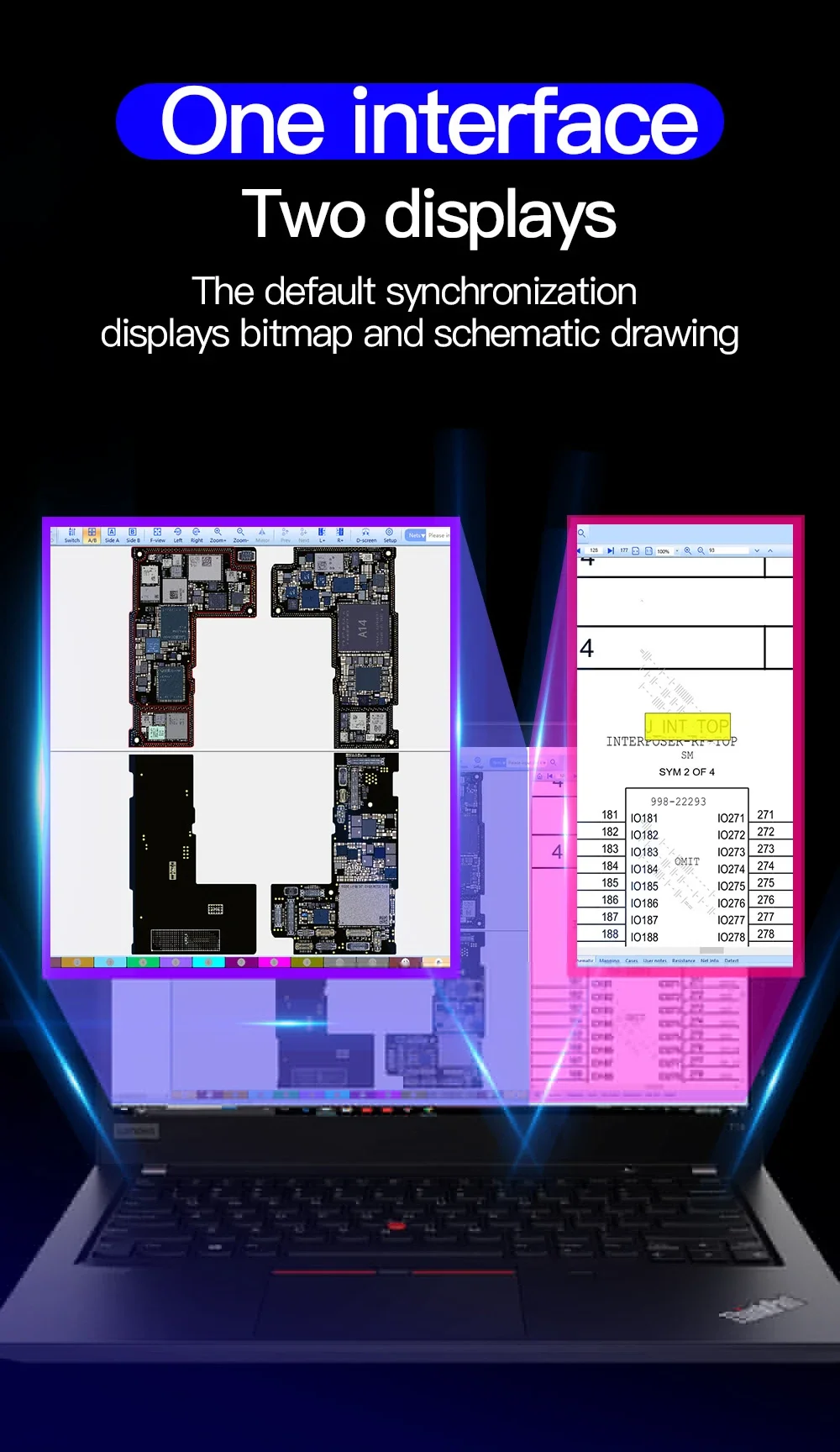
JCID Intelligent Drawing (JC Drawing) is a comprehensive, industry-leading electronic schematic and PCB bitmap software suite developed for professional mobile phone motherboard repair technicians. Integrating high-definition PCB layout bitmaps, circuit schematics, line tracing, and block diagrams into an intuitive dual-view workspace, it dramatically accelerates troubleshooting for iPhone, iPad, and Android devices.
Key Features
- Dual-Screen Interactive Synchronization: Click any component pin, pad, or trace in the bitmap to instantly locate its corresponding line in the circuit schematic, and vice versa.
- Comprehensive Diode & Resistance Values: Displays ground resistance values, diode readings, and operating voltages across components to detect open lines and short circuits rapidly.
- Maintenance Maps & Block Diagrams: Step-by-step visual diagnostic paths show signal flows and power rails, simplifying complex logic board diagnosis.
- Personalized Notes & Community Database: Add custom annotations to specific nets or components to build your shop's proprietary repair knowledge base.
- Fast Digital Activation: No physical shipping needed. Activation code is delivered electronically for fast activation in the official JC Repair Assistant software.
Subscription Options & Selection Guidance
- 1 Month VIP Code: Ideal for temporary repair projects or technicians testing the platform.
- 3 Months VIP Code: Flexible quarterly access for seasonal or steady repair workloads.
- 6 Months VIP Code: Cost-effective half-year access with regular model data updates.
- 1 Year (12 Months) VIP Code: Best value for busy repair shops, training academies, and full-time motherboard specialists.
Device Coverage & Compatibility
- Apple iOS: Exhaustive database for iPhone series (from legacy models up to iPhone 16 / 15 / 14 / 13) and iPad series.
- Android Devices: Wide and continually updated coverage for Samsung, Huawei, Xiaomi, Oppo, Vivo, Honor, and leading Qualcomm / MediaTek platforms.
- Operating System: Compatible with Windows 7 / 8 / 10 / 11 (requires internet connection for real-time cloud data updates).
How to Activate
- Download and install the official JC Repair Assistant software on your Windows PC.
- Register an account or log into your existing account.
- Navigate to the Intelligent Drawing section, click Recharge / Activate, and enter the VIP activation code provided with your order.


Why buy from 2UTOOL
Tools selected for real repair work
Clear product information, professional selection and dependable support for every purchase.
01
Professional selection
Selected around the real needs of phone and board repair.
02
Clear product information
Specifications, images and applications are presented clearly.
03
Support for your workflow
Contact us when you need product selection or volume purchasing support.