


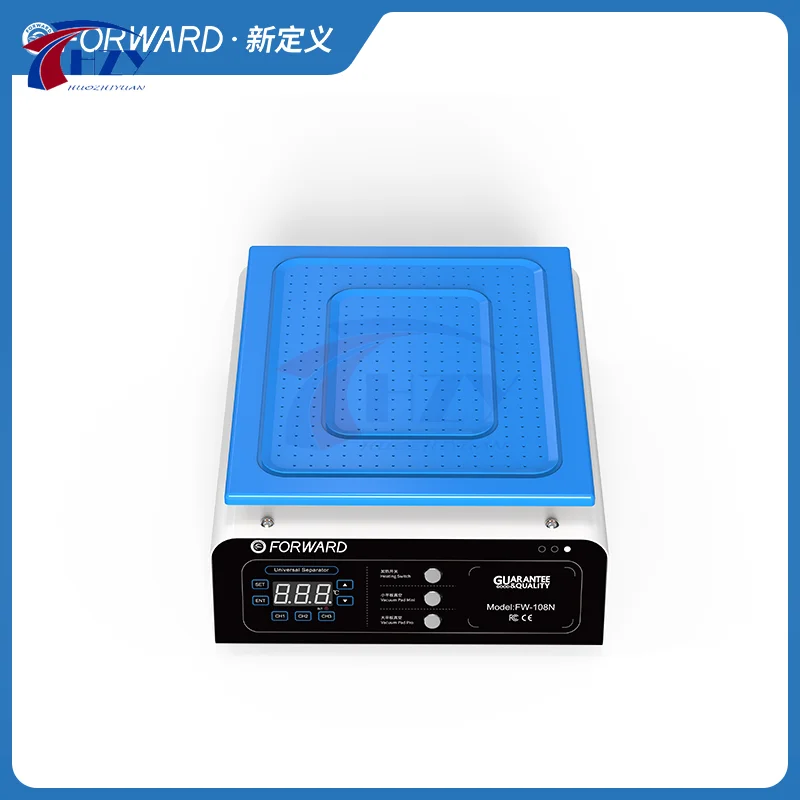
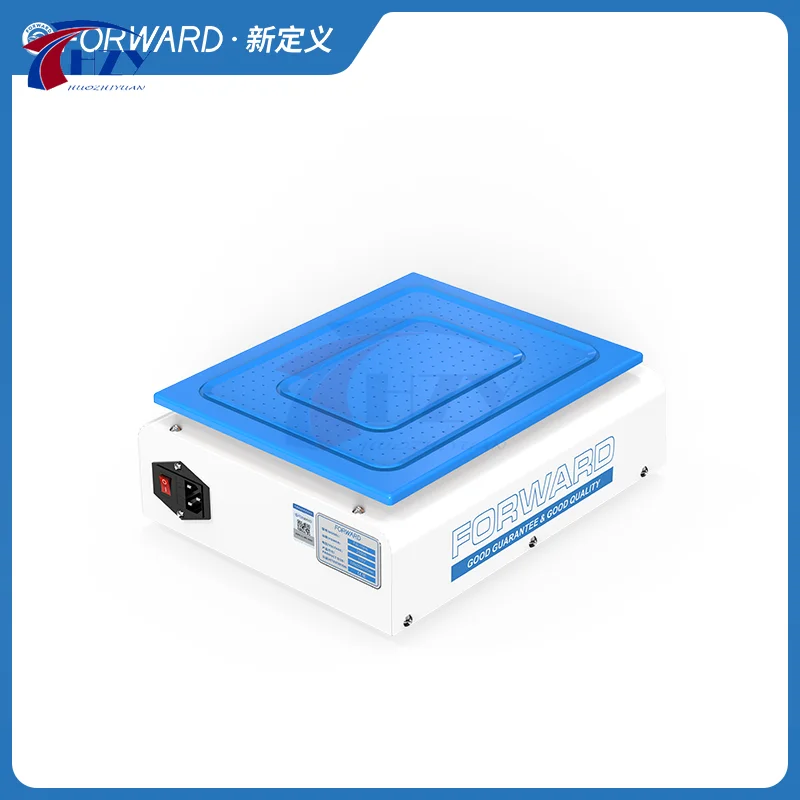
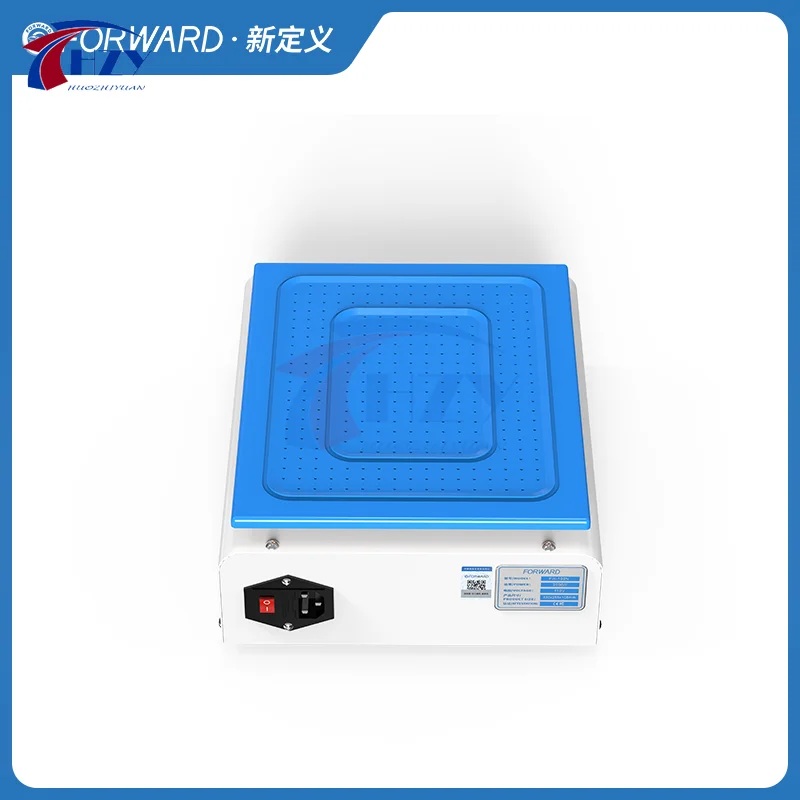
FW-108N manual screen separator with a listed 15-inch work area and built-in dual pumps.
Choosing the right option
Check the device size, gripping arrangement and separation method. Heated and heat-free tools use different procedures; follow the selected model instructions and verify the supplied accessories.
Product details
FORWARD FW-108N 15-inch Manual Built-in Dual Pump LCD Screen Separator Machine for Phone iPad Screen LCD OLED Repair Tool
Built-in Dual Vacuum Pumps – Strong suction power for stable and efficient screen separation.
Precise Temperature Control – Adjustable temperature settings with real-time display to ensure safe operation.
High Power 1200W Heating System – Four evenly distributed heating blocks for uniform heat distribution.
Wide Compatibility – Supports various phone screens, including Apple and Samsung LCDs.
User-Friendly Design – Simple operation with easy-to-use temperature and vacuum control buttons.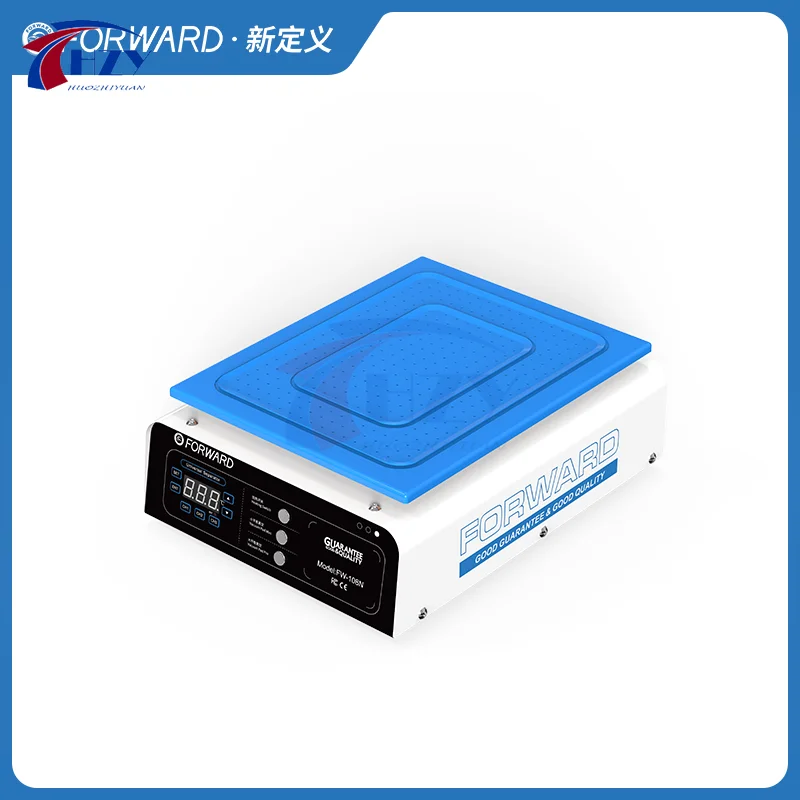
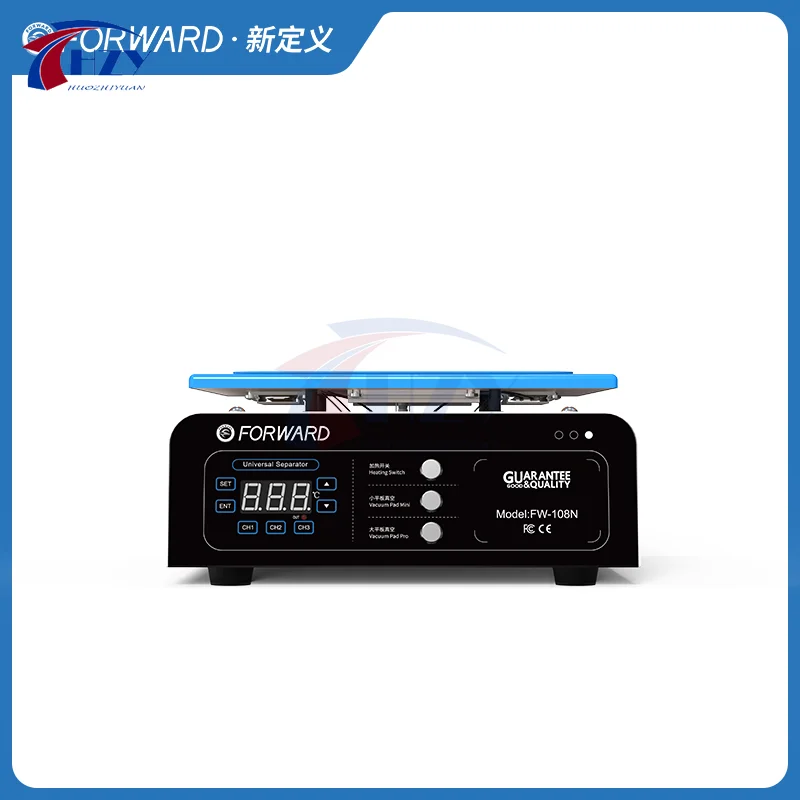
图解说明 Illustration
①这是设定温度按键.在需要设定温度时按一下它,即可进入温度设定模试.
This is the button for setting the temperature. Press it when you need to set the temperature to enter the temperature setting mode test.
②这是确认键按键,设定好温度后按一下它即可.
This is the confirmation button, press it after setting the temperature.
③这三组是默认的温度记忆通道.默认温度值分别是CH1.80, CH2.100,CH3.120.也可以按照自己的使用习惯设置更改这三组快捷记忆通道的温度值.
These three groups are the default temperature memory channels. The default temperature values are CH1.80,CH2.100,CH3.120. You can also change the temperature values of these three groups of quick memory channels according to your own usage habits.
④这是设定的上下键."上键"代表加高温度,"下键"代表减低温度.
This is the "Up and Down Button" for settings. "Up Button" means to increase the temperature, "Down Button" means to decrease the temperature.
⑤这是显示区,显示当前温度和设定温度.按一下设定键,这里就会显示设定的温度.
This is the display area, showing the current temperature and setting temperature. Press the set button, here will display the set temperature.
⑥这是加温的指示灯,在加温工作时指示灯会亮.
This is the indicator light for heating. The indicator light will be on when heating works.
⑦加热开关.按一下它,显示区亮,表示加热打开,再按一下显示熄灭,表示加热关闭.
Heating switch. Press it once, the display area is on, indicating that the heating is on. And pressing it again, the display is off, indicating that the heating is off.
⑧真空开关(小型护垫).按一下它,真空泵和真空阀被启动.此时机器为抽真空状态,屏幕会被紧紧地吸附住.再按一下它,关闭抽真空状态并开始破真空,屏幕会被自动松开.
Vacuum switch (small mat). Press it and the vacuum pump and vacuum valve are activated. At this time, the machine is in a vacuum state, and the screen will be tightly adsorbed. Press it again to turn off the vacuum state and start to break the vacuum, the screen will be automatically released.
⑨真空开关(专业护垫).按一下它,真空泵和真空阀被启动.此时机器为抽真空状态,屏幕会被紧紧地吸附住.再按一下它,关闭抽真空状态并开始破真空,屏幕会被自动松开.
Vacuum switch (professional mat). Press it and the vacuum pump and vacuum valve are activated. At this time, the machine is in a vacuum state, and the screen will be tightly adsorbed. Press it again to turn off the vacuum state and start to break the vacuum, the screen will be automatically released.
⑩这是发热块,四个发热块分布均匀,使屏幕受热均匀.
This is the heating block, and the four heating blocks are evenly distributed to make the screen evenly heated.
使用说明 Instructions for use
本产品为真空加热台
This product is a vacuum heating table
1.开机设定好温度预热,温度到达了再把屏幕放置在上面.
Turn on the device and set the temperature to preheat. When the temperature is reached, place the screen on it.
2.使用真空吸附时,设定温度和当前温度都不可以高于125度,否则无法启动.
When using vacuum adsorption, neither the set temperature nor the current temperature can be higher than 125℃, otherwise it will not be able to start.
3.使用机器时不可以用冷气或风扇对着本机器直吹,否则温度不准.
When using the machine, do not use air conditioner or fan to blow directly at the machine, otherwise the temperature is inaccurate.
使用pad pro 可同时打开pad mini按钮启动真空泵吸附屏幕,更平衡更牢固.
Use pad pro to open the pad mini button at the same time to start the vacuum pump adsorption screen, which is more balanced and firmer.
使用条件 Working Condition
1. 环境温度 10~45 ℃ |
2. 在低于4KM海拔下使用 |
3. 电压 110v~240V |
4. 冲击电流最大5.5A |
5. 机器功率1200W |
注:本分离机的温度为真温度,一般情况下会比其它分离机的温度更高一些.
Note: The temperature of this separator is a real temperature, which is generally higher than that of other separators.
1.带背光的屏幕: 80℃.例:苹果各个系列屏幕.
The screen with backlight: 80℃. Example: Apple' s various series of screens.
2.不带背光的屏幕: 100℃.例:三星各个系列LED屏幕.
The screen without backlight: 100℃. Example: Samsung various series of LED screens.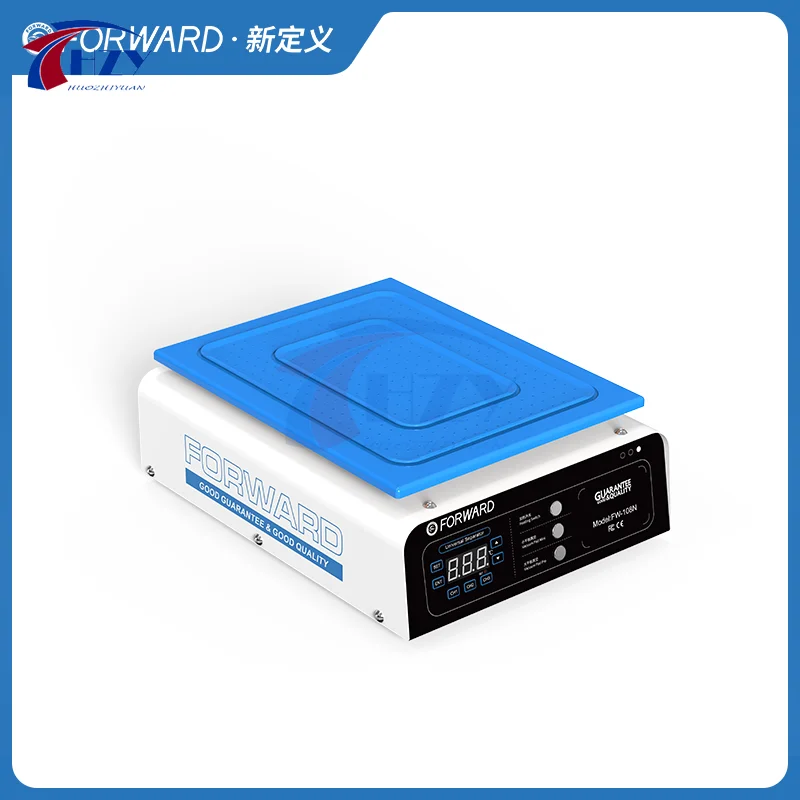


Why buy from 2UTOOL
Tools selected for real repair work
Clear product information, professional selection and dependable support for every purchase.
Professional selection
Selected around the real needs of phone and board repair.
Clear product information
Specifications, images and applications are presented clearly.
Support for your workflow
Contact us when you need product selection or volume purchasing support.