


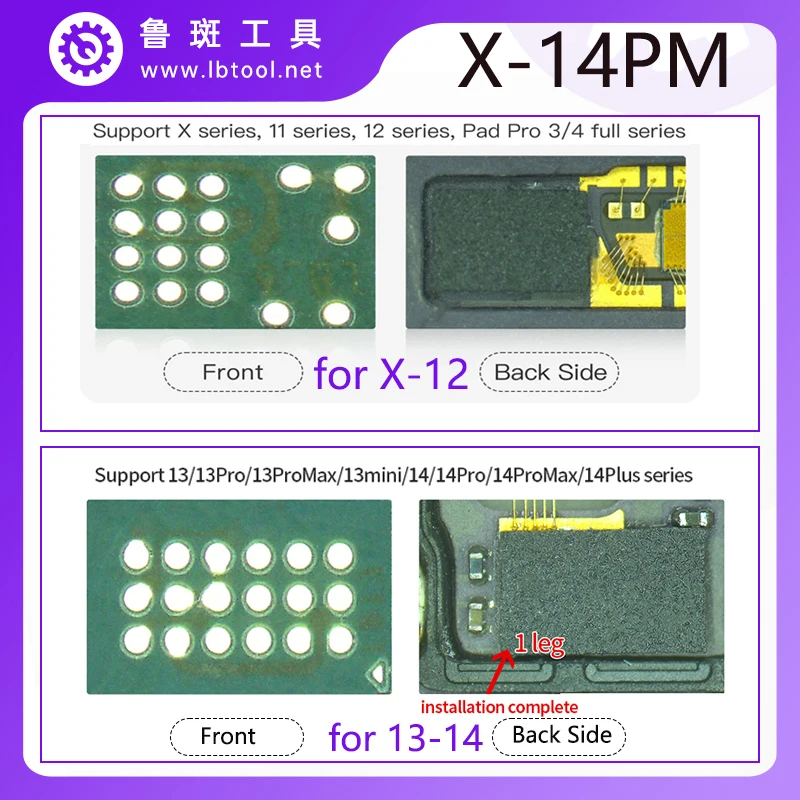
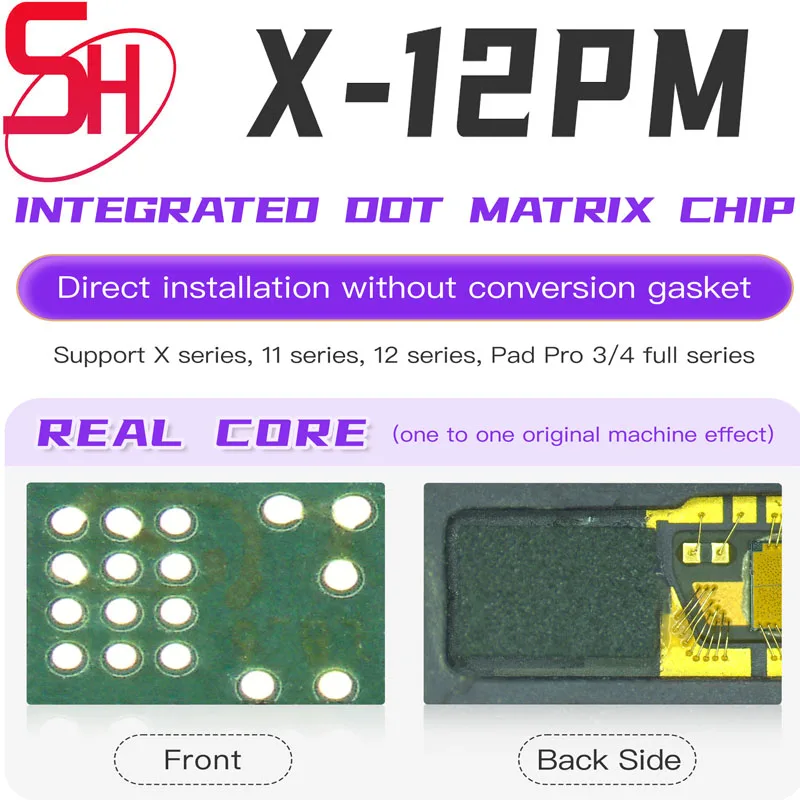
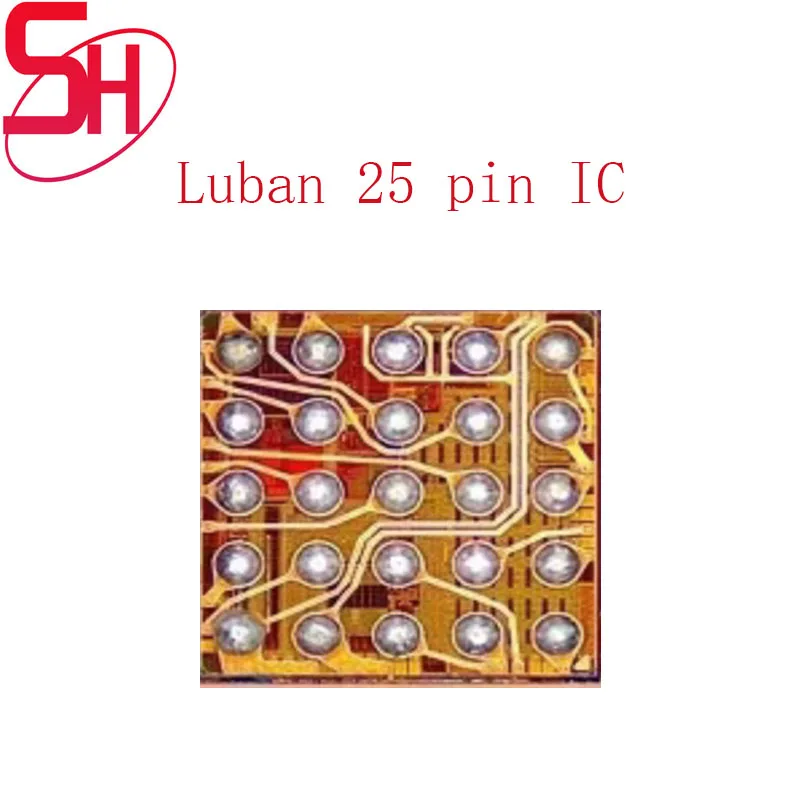
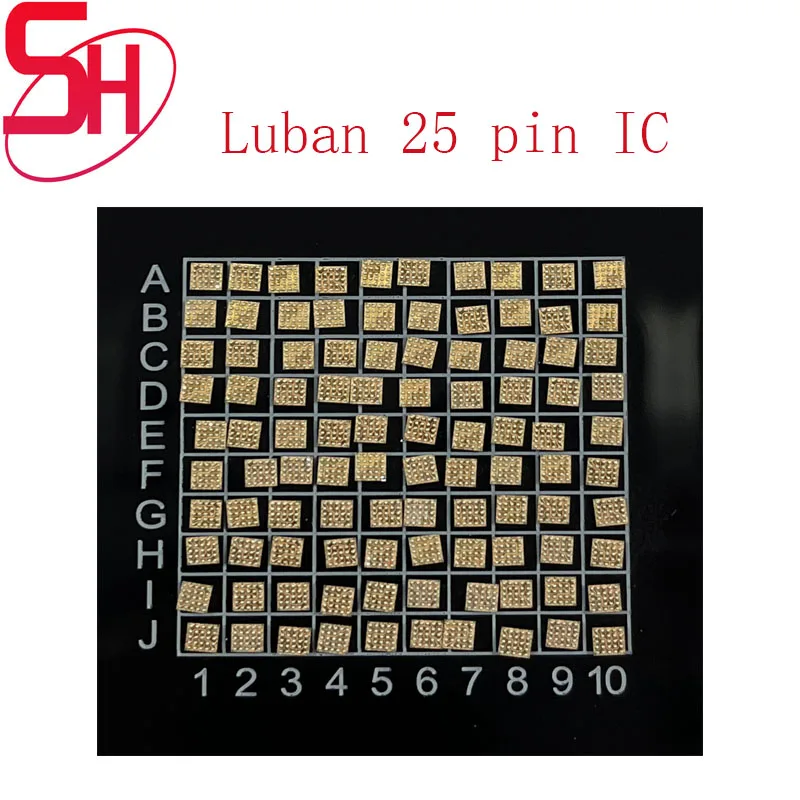
Luban L3 Integrated Dot Matrix Face ID Chip for iPhone X XR 11 12 13 14 15 16 17Pro Max Mini Plus Repair Face Dot Matrix Repair
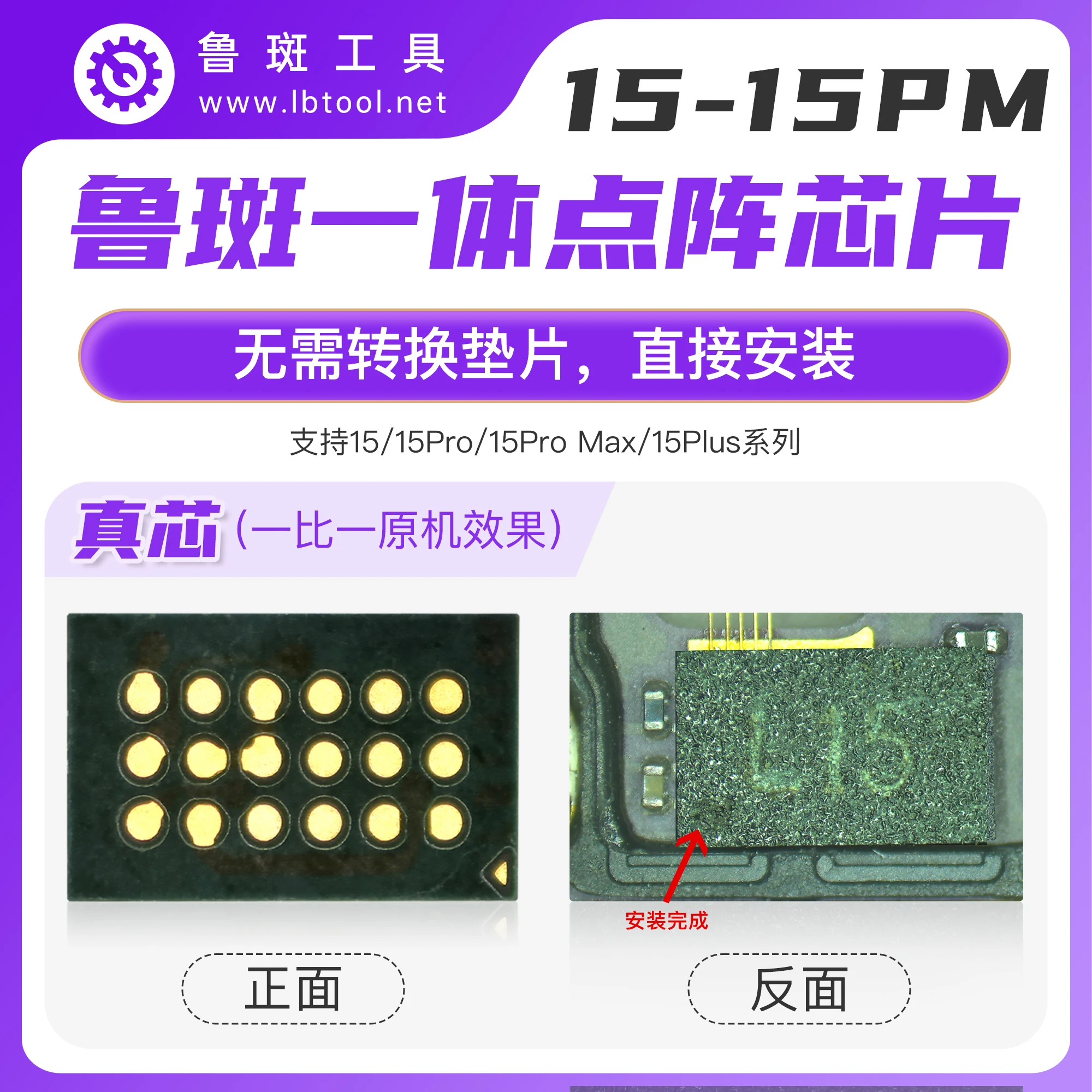
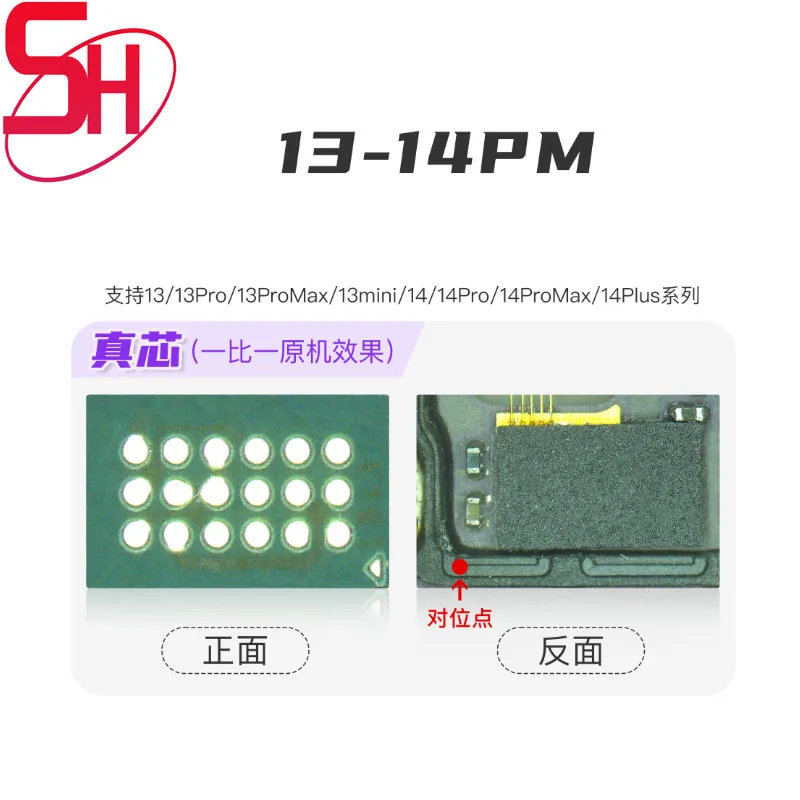
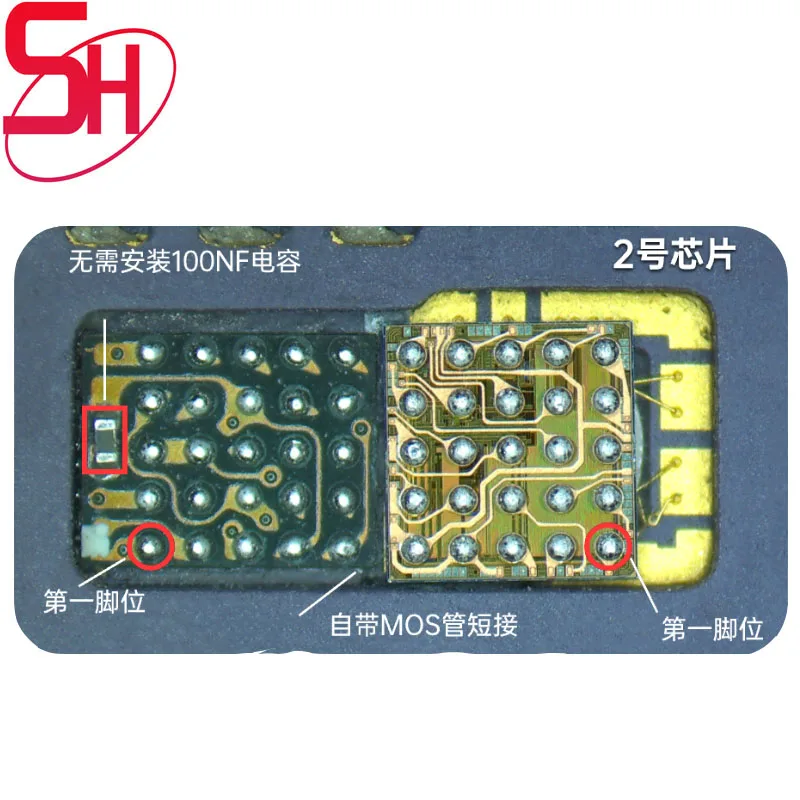
1. Remove the dot matrix IC from the dot matrix cable of IP15 and install it on the dot matrix cable of IP13
2. If the phone is connected to IP15, attach the dot matrix of the IP15 IC to the LUBAN IP13 seat and read the data.
3. Then install the LUBAN IP15 IC on the dot matrix cable of IP13, buckle the cable onto the instrument, and click to write.
4. Finally, remove the IP15 IC from the IP13 dot matrix cable and install it on the IP15 dot matrix cable. Simply install it directly.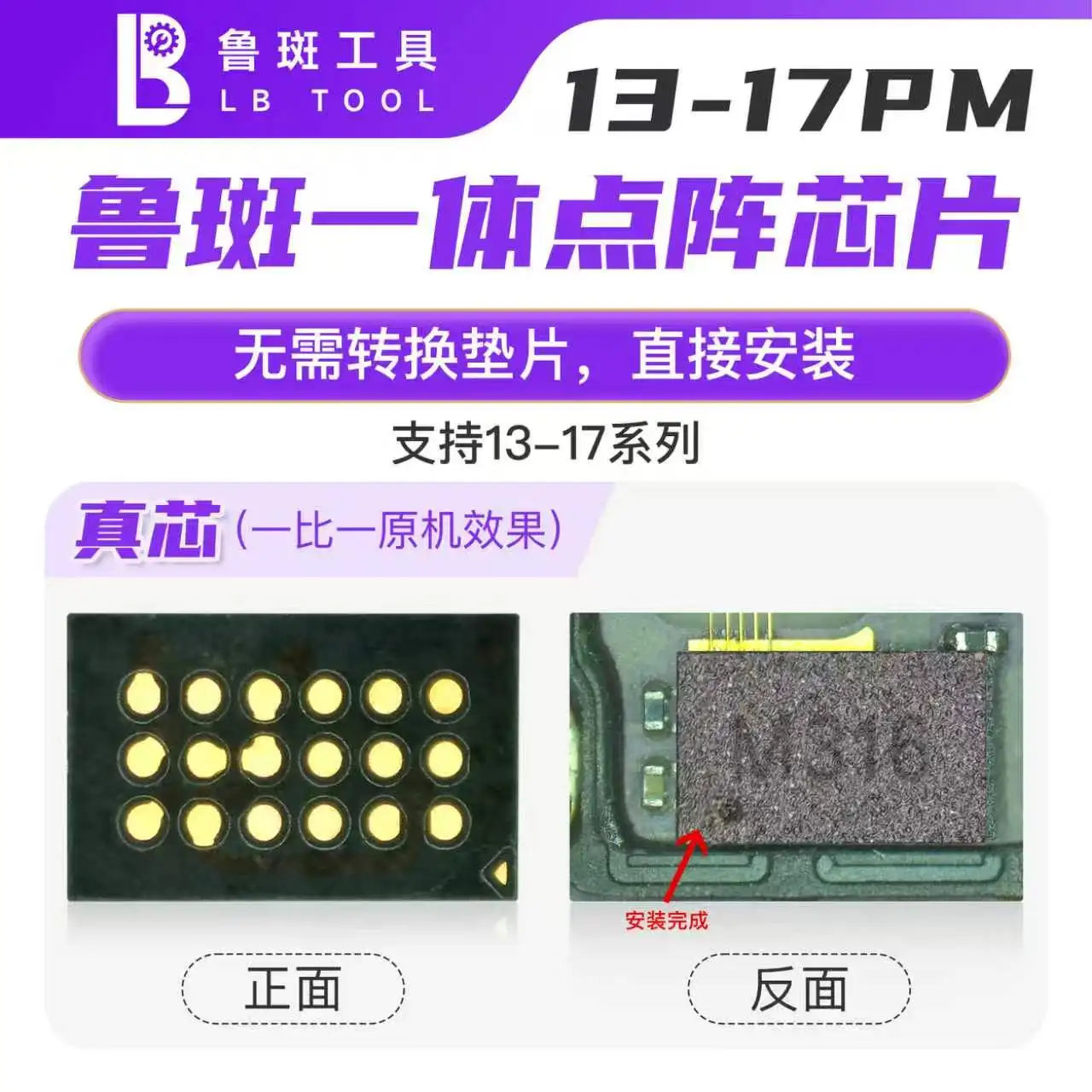


Why buy from 2UTOOL
Tools selected for real repair work
Clear product information, professional selection and dependable support for every purchase.
Professional selection
Selected around the real needs of phone and board repair.
Clear product information
Specifications, images and applications are presented clearly.
Support for your workflow
Contact us when you need product selection or volume purchasing support.